
Build once. Change anytime.
Change how your app looks, stores data, or handles workflows whenever you want.
One app. Everyone gets their part. A place to ask. A place to decide. A place to get it done.
- Submitted · Alex Morgan
Pick the process you run. Each one is a working app you can add and change.
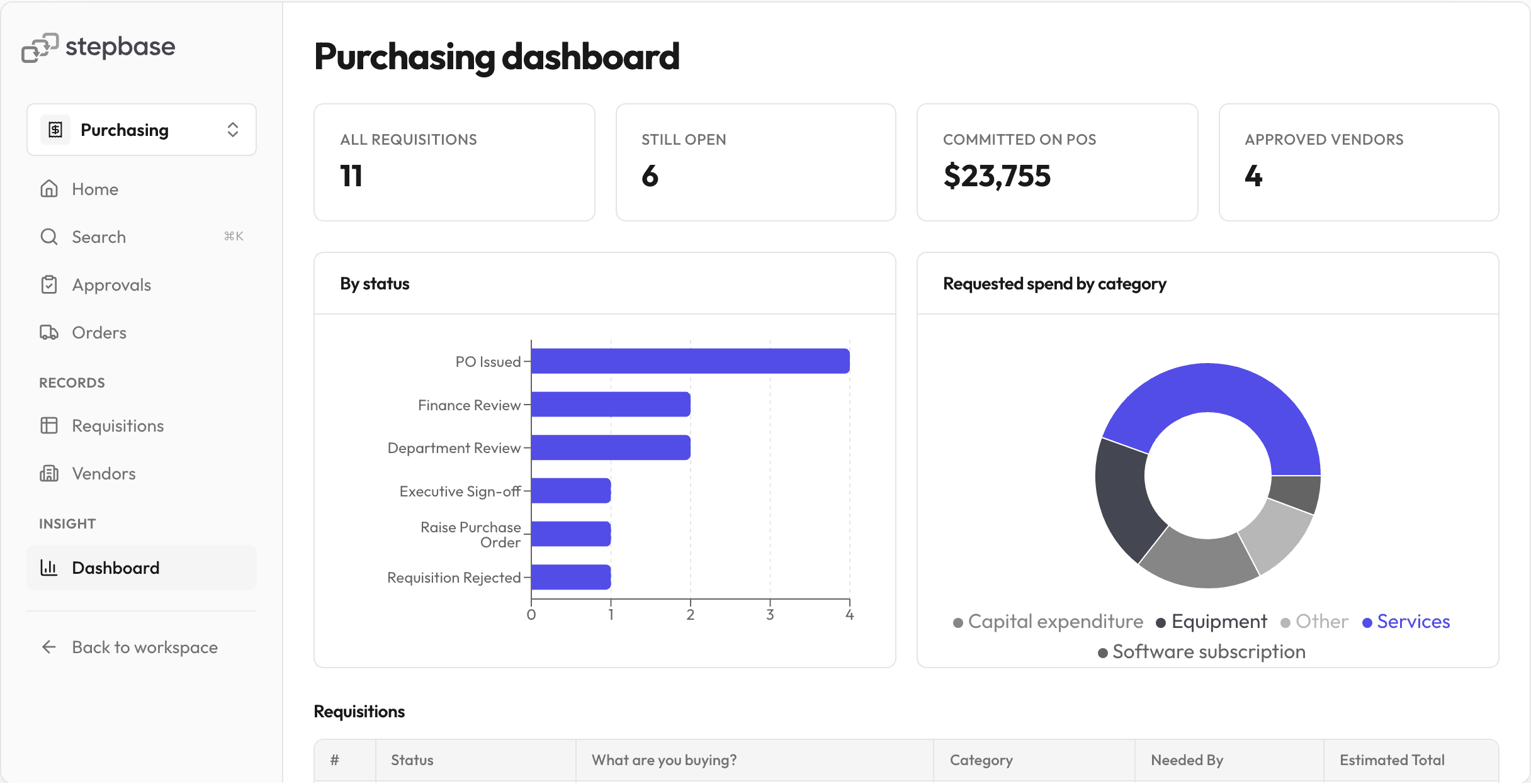
- PurchasingFinance and procurement
Requests go to the right approver by spend, then become orders tracked against your vendors.
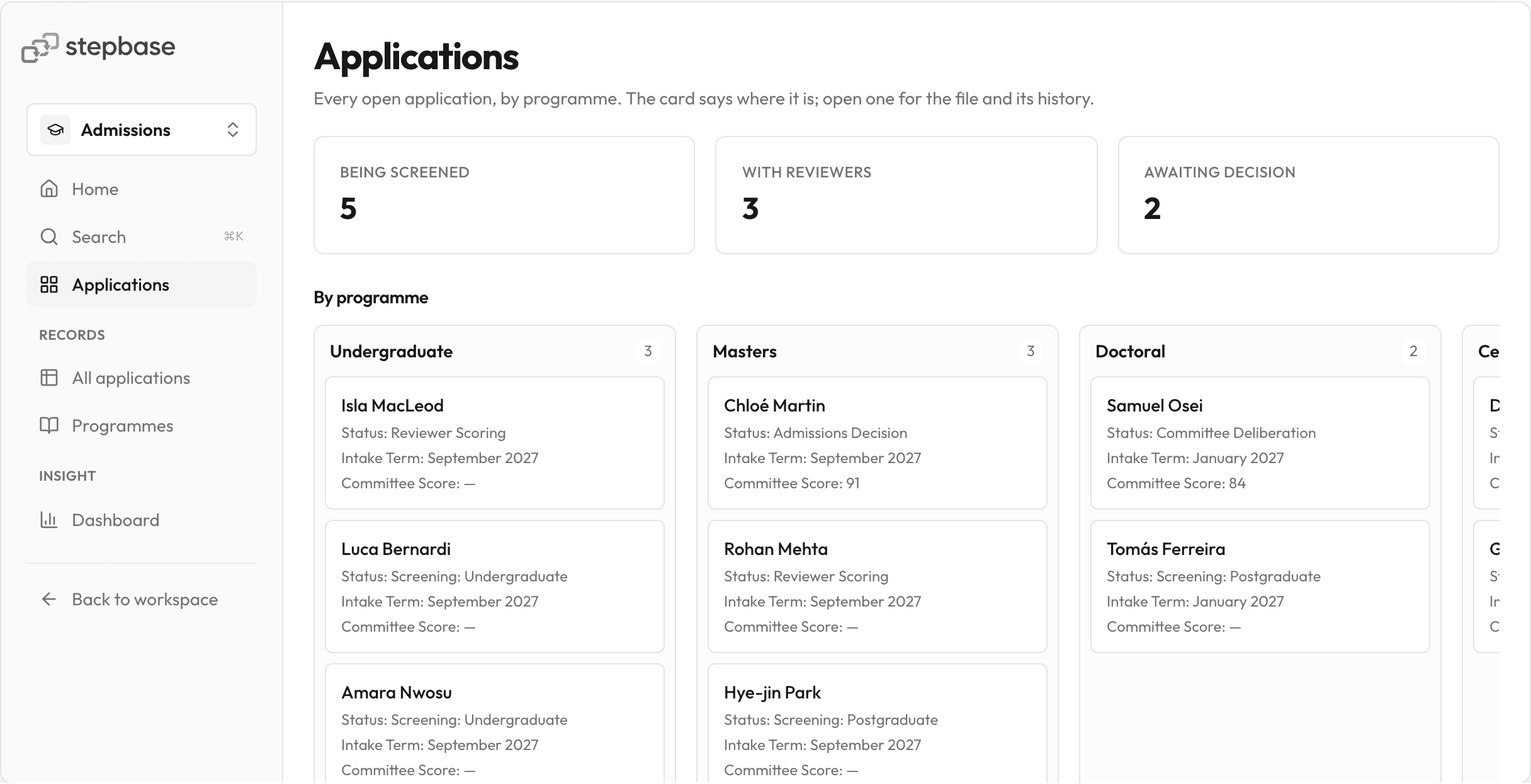
- AdmissionsAdmissions offices
Applications screened, scored by every reviewer on one rubric, and decided on one board.
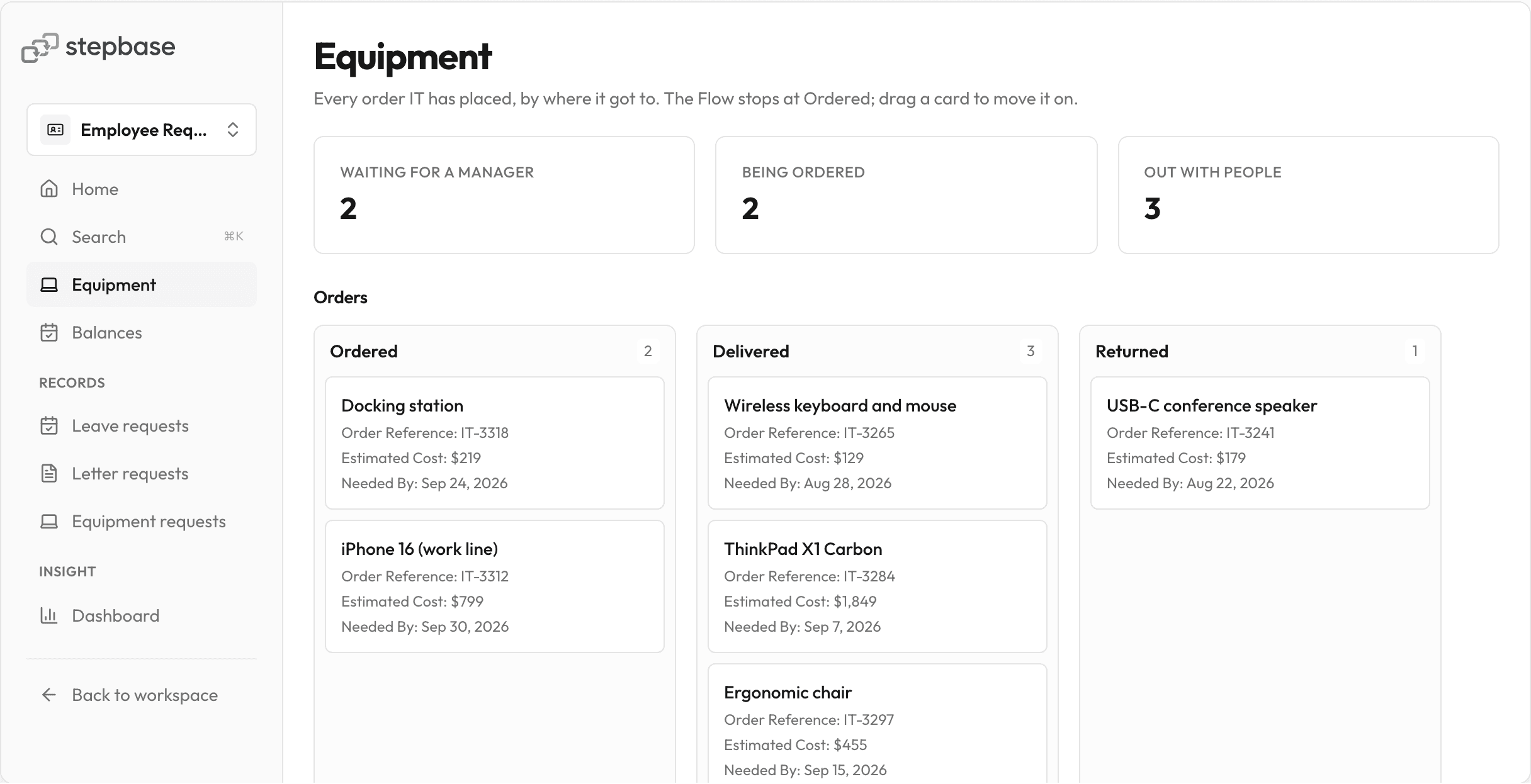
- Employee RequestsHR and people teams
Leave, letters and equipment asked for in one place, each with the approval it needs.
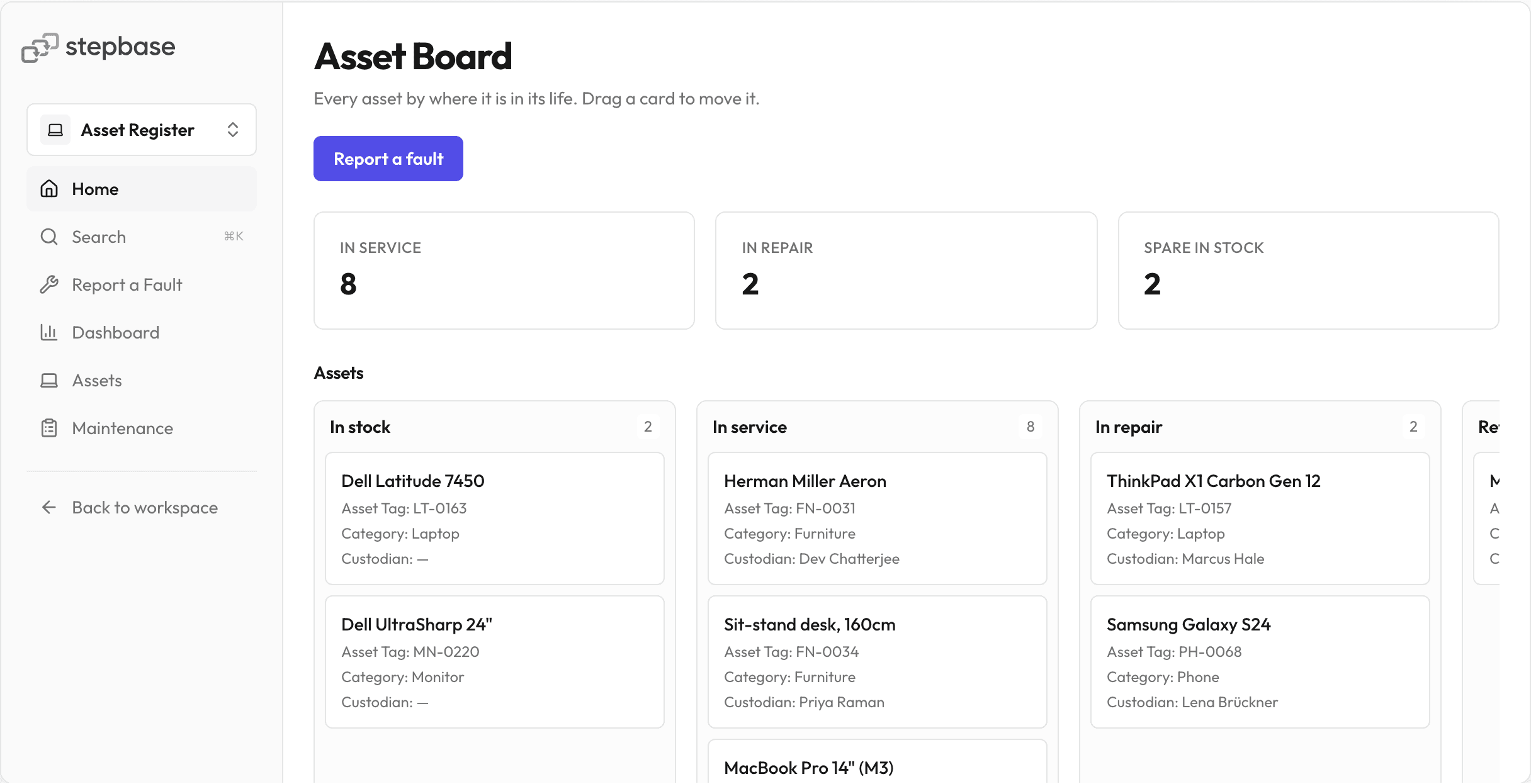
- Asset RegisterIT and operations
Every laptop, monitor and desk: who has it, where it is, and what it has cost since.
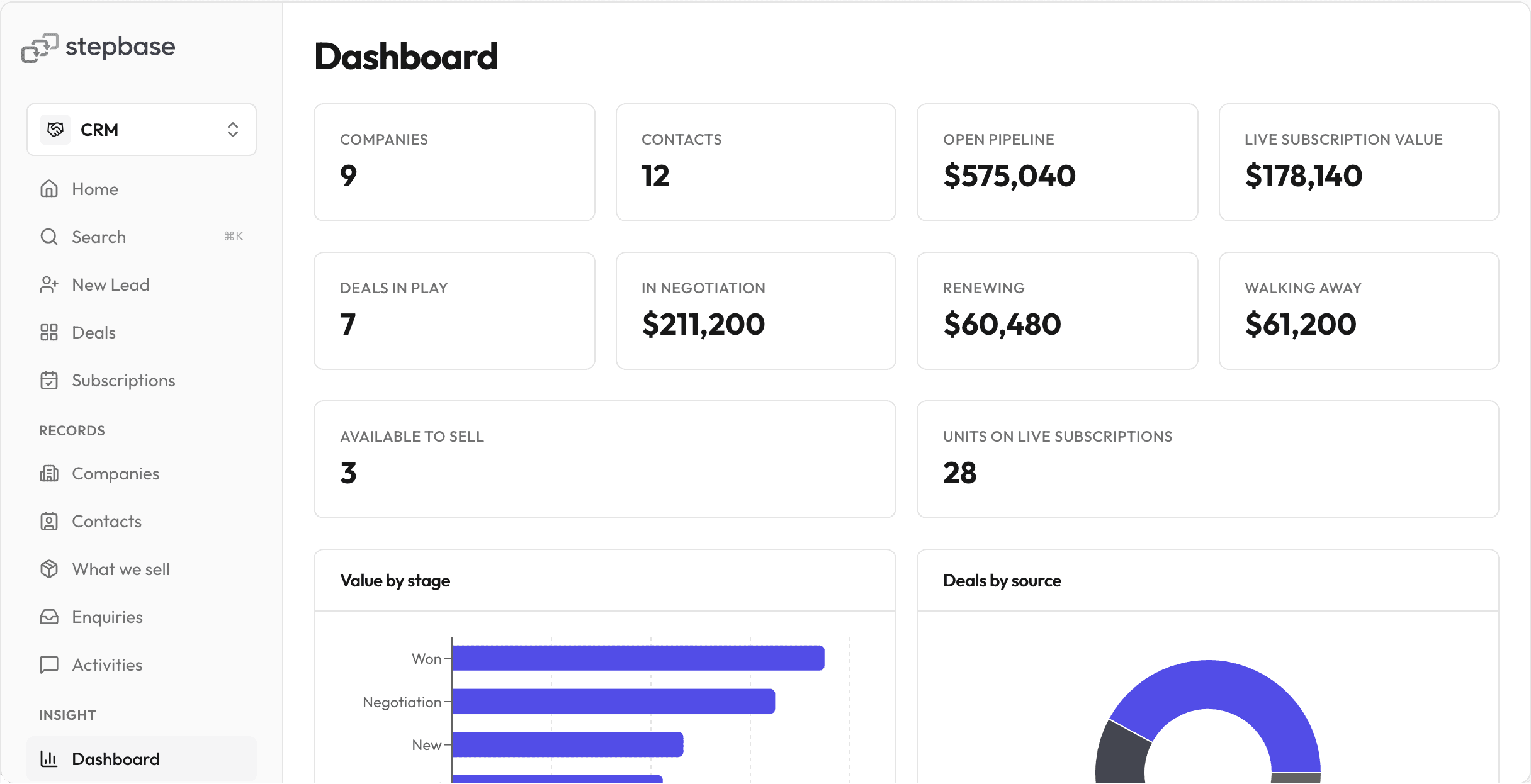
- CRMSales and account teams
Companies, contacts and deals in play, plus the renewals and approvals after you win.
- Browse all templates
Escalate overdue tasks automatically.
Purchase Requisition
Department Review
Due in 2 days
If overdueReassign to Executive Team
Set a deadline for any step and choose what happens when it's missed.
Start a Flow automatically.
Trigger it on a schedule, when data changes, or when another system calls it.
- On a scheduleEvery day at 08:00 UTC
- When a row changesWhen Renewal changes to Due
- On a webhookWhen an external system calls the webhook
Let AI handle a step. Keep people in control.
Feedback triage
Set a confidence threshold and name the person or team that takes over when AI is unsure.
Explore AI in stepbaseBuilt for real operations.
- Access is granted per app
- Row and column policies
- Every action in the audit trail
- Nothing goes live unpublished
- Sign in with Google, Microsoft or GitHub
- Call any HTTP API from a Flow
What process would you turn into an app?
Build it free, or start from a template and change what you like. No credit card, no setup fees.
A few things to know.
Can I build without coding?
Yes. Start with an AI-generated draft or a template, then edit your tables, pages, forms and Flows visually. You decide how the app works and when to publish it.
Can I start from a template?
Yes. Templates include apps for CRM, Purchasing, Admissions, Asset Register and Employee Requests. Add one to your workspace, then change its fields, pages and process to fit your team.
Can people outside my company submit forms?
Yes. Share a public form link or embed a form on your website. People can submit without a stepbase account, and external participants can complete assigned tasks through an emailed link.
Can different users see different data?
Yes. Grant access per app, then use row and column policies to control the records and fields people can see. Requesters and assignees can follow their own work.
Can stepbase connect to other systems?
Yes, through HTTP connectors and webhooks. Configure a connector for a system's API to bring data into a Flow or send information out. You can also import CSV data into stepbase tables.